VIDEO INPUT
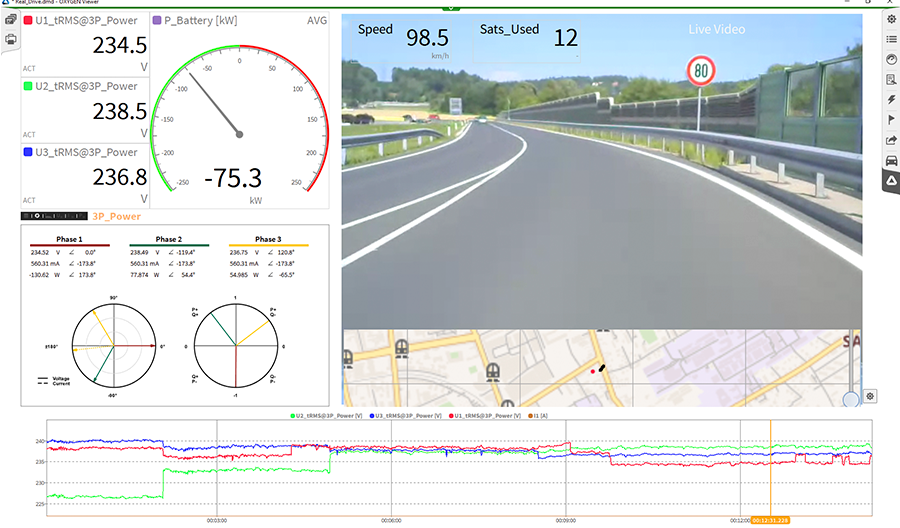
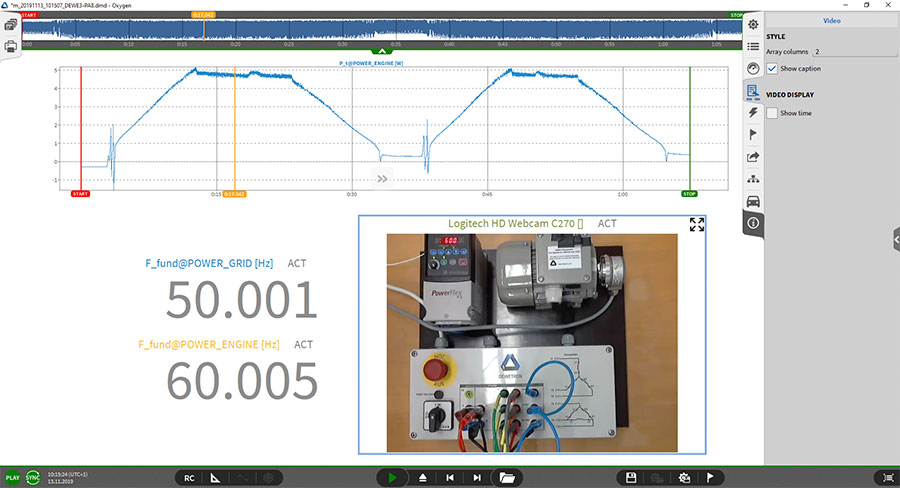
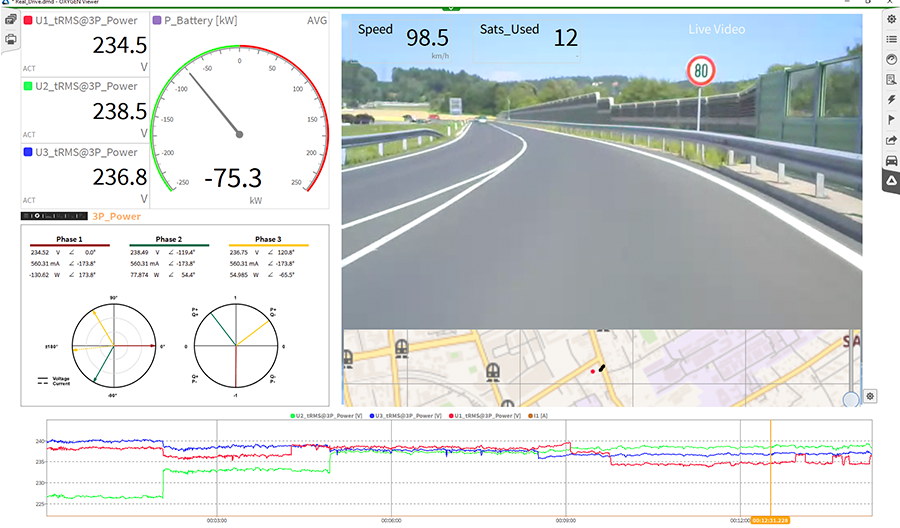
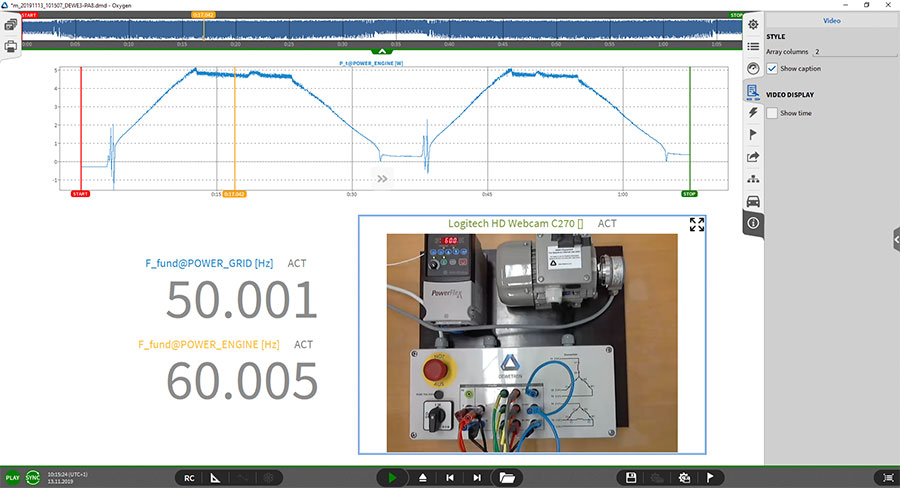
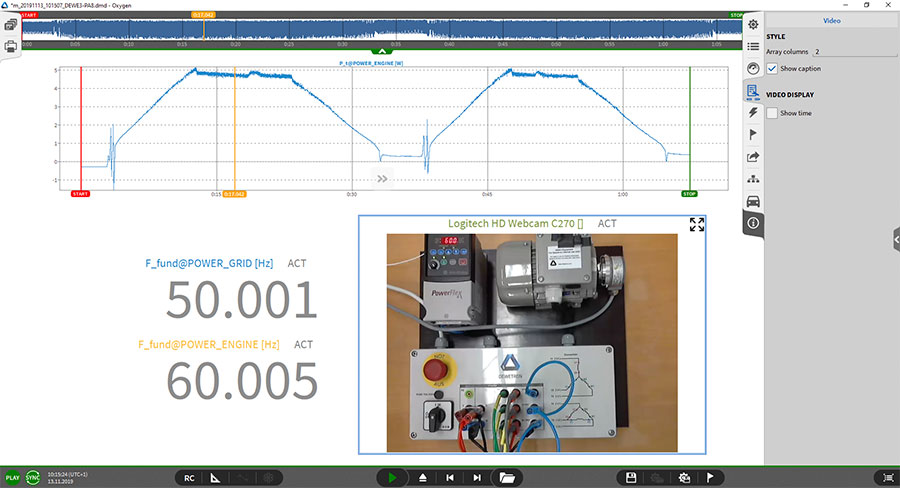
Enhance your data acquisition with video recordings using OXYGEN. Connect any USB camera supported by Windows 10 or choose our Manta GigE cam for precise, synchronized frame-by-frame capture. Enjoy reduced bandwidth usage and minimal CPU load and manage multiple cameras with ease.
- Compatible with USB cams and GigE cam.
- Save videos in *.mkv format for easy viewing and editing.
- Support for multiple Ethernet ports with several cameras.
- Rotate video images (90°, 180°, 270°) for flexible setup.
LOAD EXTERNAL VIDEO
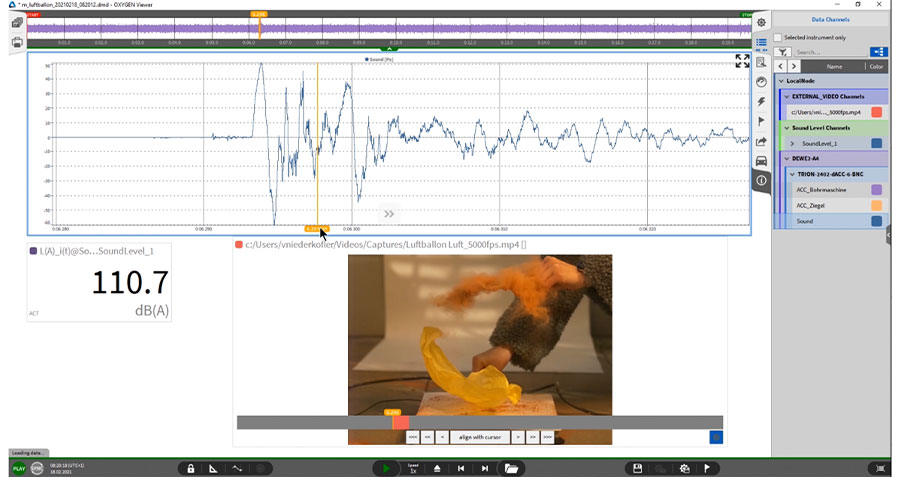
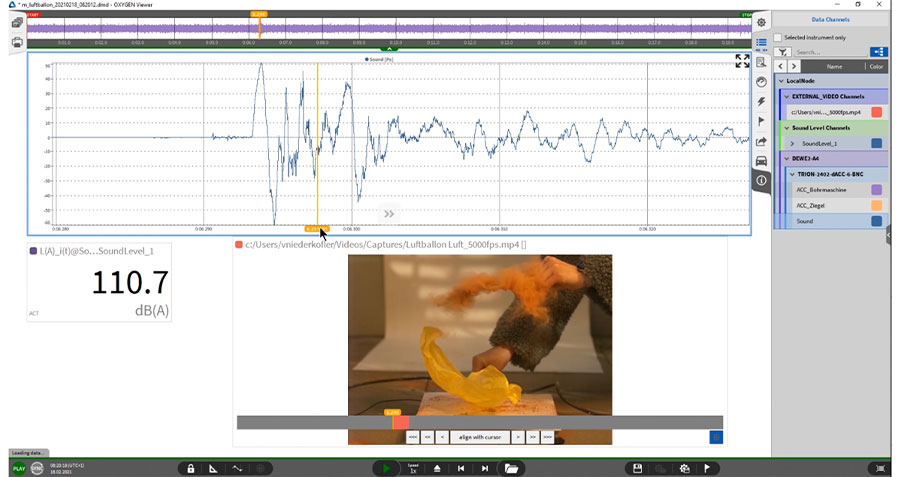
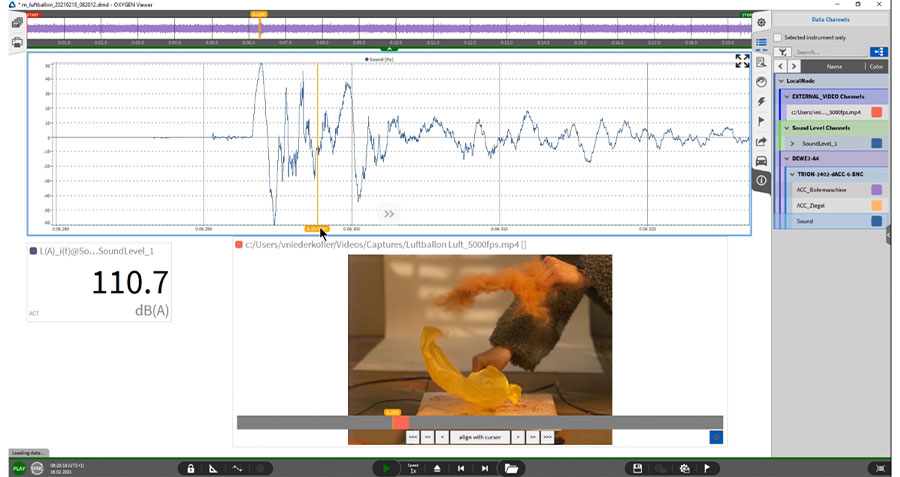
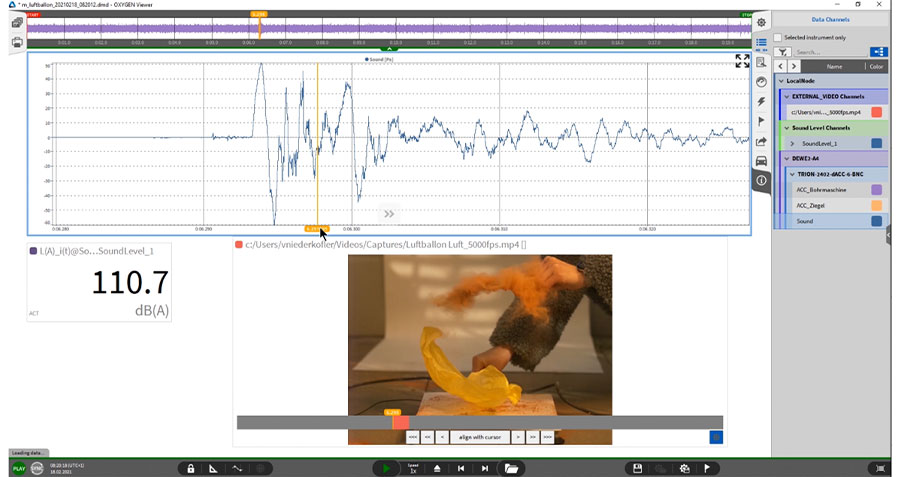
Synchronize video data with sensor data seamlessly using OXYGEN. Whether from a high-speed camera or any other device loading external video are an easy task with OXYGEN.
- Load a video file that was recorded with a 3rd-party software in PLAY mode during analysis.
- Manually synchronize the video to the measurement data.
- Analyze both video and sensor data synchronized in OXYGEN.
- It is also possible to save a measurement screen to a video file.
- Supported formats are *.avi (uncompressed), *.mkv (VP7 and h264), *.mp4 (h264).